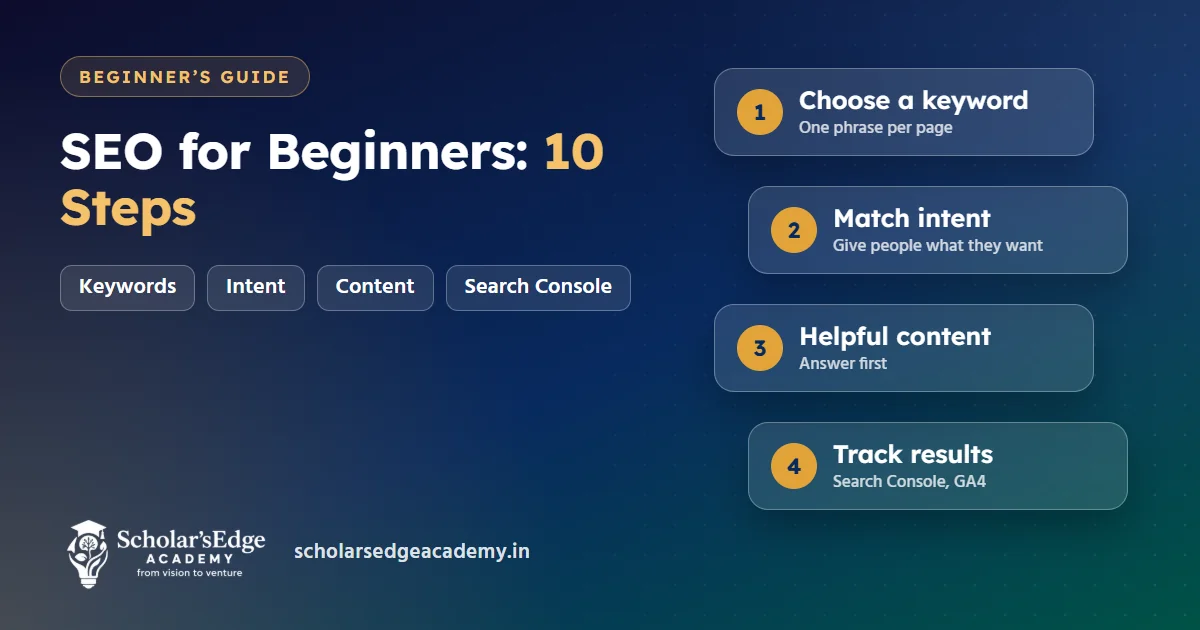
Quick answer: SEO for beginners in ten steps: pick one search term per page, match what the searcher wants, write a clear title and description, use one H1 and logical headings, write helpful original content, link pages to each other, make the site fast on phones, add structured data, earn mentions from trusted sites, and track results in Google Search Console and GA4.
Not sure where to start? Try a free demo class, online or at our J. P. Nagar centre. Book on WhatsApp
Search engine optimisation is the work of making a page easy for search engines to understand and useful for the people who find it. It is not a trick. A beginner can cover the basics in a weekend, and then improve a little every week. This checklist puts the steps in the order that gives the most benefit.
The ten-step SEO checklist
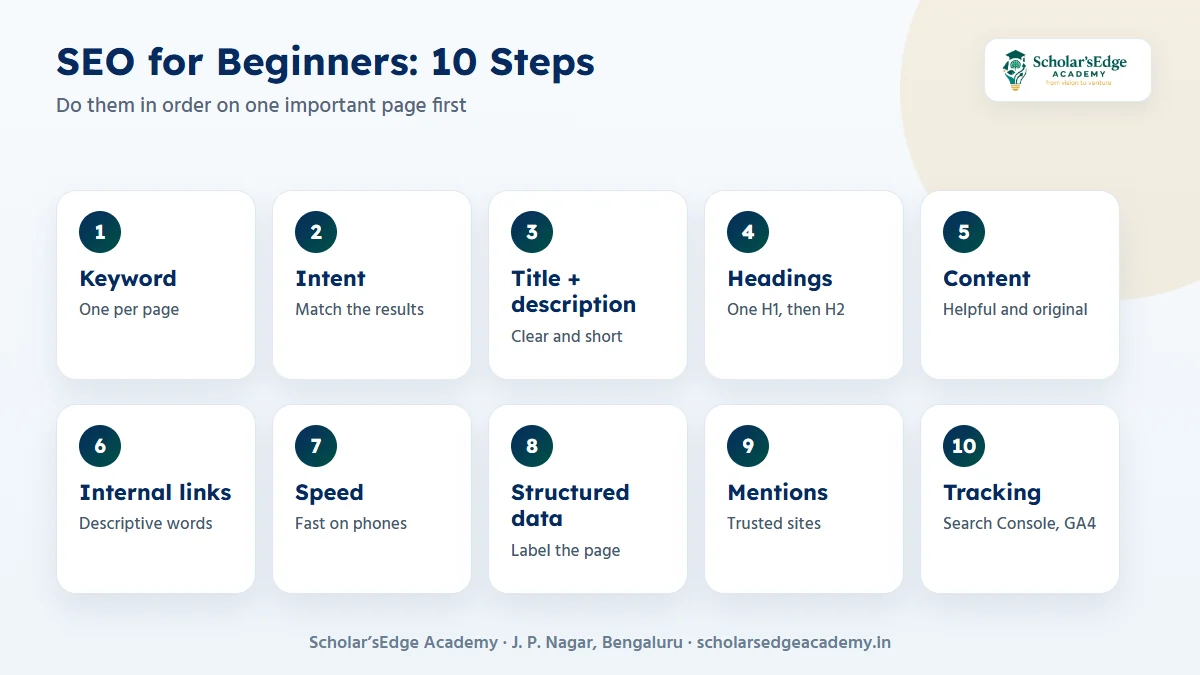
Do the steps in order on one important page first. When it works, repeat the steps on the next page.
| Step | Action | Free tool |
|---|---|---|
| 1. Choose a keyword | Pick one main phrase people really search | Google Search, autocomplete, Search Console |
| 2. Match intent | Check what the top results offer and match it | Google results page |
| 3. Title and description | Write a clear title and a short summary | Search Console, a snippet preview |
| 4. Headings | One H1, then H2 and H3 in logical order | Browser view of the page |
| 5. Helpful content | Answer the question first, then add detail | Your own experience and sources |
| 6. Internal links | Link related pages with descriptive words | A site crawler |
| 7. Speed and mobile | Compress images, keep the page light | PageSpeed Insights, Lighthouse |
| 8. Structured data | Mark up FAQs, articles and the business | Rich Results Test |
| 9. Mentions and links | Earn links from trusted, relevant sites | Directories, partners, local listings |
| 10. Track and improve | Watch queries, clicks and enquiries | Search Console, GA4 |
- Choose one keyword per pageA keyword is the phrase a person types, such as “digital marketing course in Bangalore”. Give each page one main phrase so that your own pages do not compete with each other.
- Match search intentLook at the results for your phrase. If they are guides, write a guide. If they are course pages, write a course page. Matching what people want matters more than repeating the phrase.
- Write the title and descriptionThe title tag should say what the page is, with the main phrase near the front, and fit in about 60 characters. The description is a short summary of about 150 characters that persuades a click.
- Use headings properlyOne H1 that names the page, then H2 headings for the main sections and H3 for details. Headings help readers scan and help search engines see the structure.
- Write helpful contentPut the answer in the first paragraph, then explain. Add original detail from your own work, name your sources and keep the page up to date. Google’s SEO starter guide covers the same ideas.
- Add internal linksLink from each page to two or three related pages using words that describe the target. This helps visitors move on and helps search engines find every page.
- Make the site fast on phonesMost visits come from phones. Compress images, avoid heavy scripts and check your pages with PageSpeed Insights. A fast page is easier to use and easier to crawl.
- Add structured dataStructured data is code that labels the content of a page, such as questions and answers or your business details. It helps search engines understand the page and can unlock rich results.
- Earn mentions and linksTrusted sites that mention or link to you are a strong signal. Start with local directories, partner sites and real articles, and never buy links in bulk.
- Track and improveConnect Google Search Console to see queries, clicks and indexing problems, and use GA4 to see what visitors do. See our GA4 guide for beginners.
What counts as local SEO?
If you serve people in one area, local SEO matters as much as the steps above. Claim and complete your Google Business Profile, keep your name, address and phone number the same everywhere, collect honest reviews and mention the area on your pages. These steps help you appear in map results when someone searches nearby.
Write for the person who has the question. If a sentence only exists to repeat a keyword, delete it.
Mistakes beginners make
- Stuffing keywords. Repeating a phrase unnaturally makes the page worse to read.
- Copying content. Original pages with real detail do better.
- Ignoring mobile. Check every page on a phone.
- Expecting overnight results. SEO usually takes weeks or months to show.
- Not measuring. Without Search Console data you are guessing.
Learn SEO with projects
The AI-Powered Performance Marketing course at our J. P. Nagar centre runs for 3 months. Projects include an SEO audit, a Google and Meta campaign plan, a GA4 dashboard and a live campaign for a local business. A 2-month internship is included for every enrolled student.
Also read Google Ads vs Meta Ads and performance marketing vs digital marketing.
Ready to try a class before you decide?Book a free demo class to see the syllabus, ask about fees and batches, and meet the team. Every course includes a 2-month internship, and classes run online and offline.Book on WhatsAppCall +91 99020 58603
Frequently asked questions
What is SEO in simple words?
SEO is improving your pages so that search engines can understand them and people can find and use them.
How long does SEO take to work?
It varies with competition and site quality. Many sites see early movement in weeks and steadier results over several months.
Do I need to pay for SEO tools?
No. Google Search Console, GA4, PageSpeed Insights and the Rich Results Test are free and cover the basics.
What is the difference between SEO and Google Ads?
SEO earns unpaid results over time. Google Ads pays for each click and works immediately while the budget lasts.
Can a beginner learn SEO without coding?
Yes. The basics are about content, structure and measurement. A little HTML helps, but it is not required.
Not sure yet? Talk to us
Book a free demo class or ask for 1:1 guidance on WhatsApp at +91 99020 58603, or use the form on our contact page. You can also compare all our courses. Scholar’sEdge Academy is at Building No. 19, 25/1, 9th Cross Road, 2nd Phase, J. P. Nagar, Bengaluru, Karnataka 560078. Read how we write and check our articles in our editorial policy.
